Best Cross Stitch Pattern Makers for Mac, iPad & iPhone (2026 Guide)
Tired of clunky Windows 98 embroidery software? Compare the best modern cross-stitch pattern generators and DMC chart apps for Apple devices.
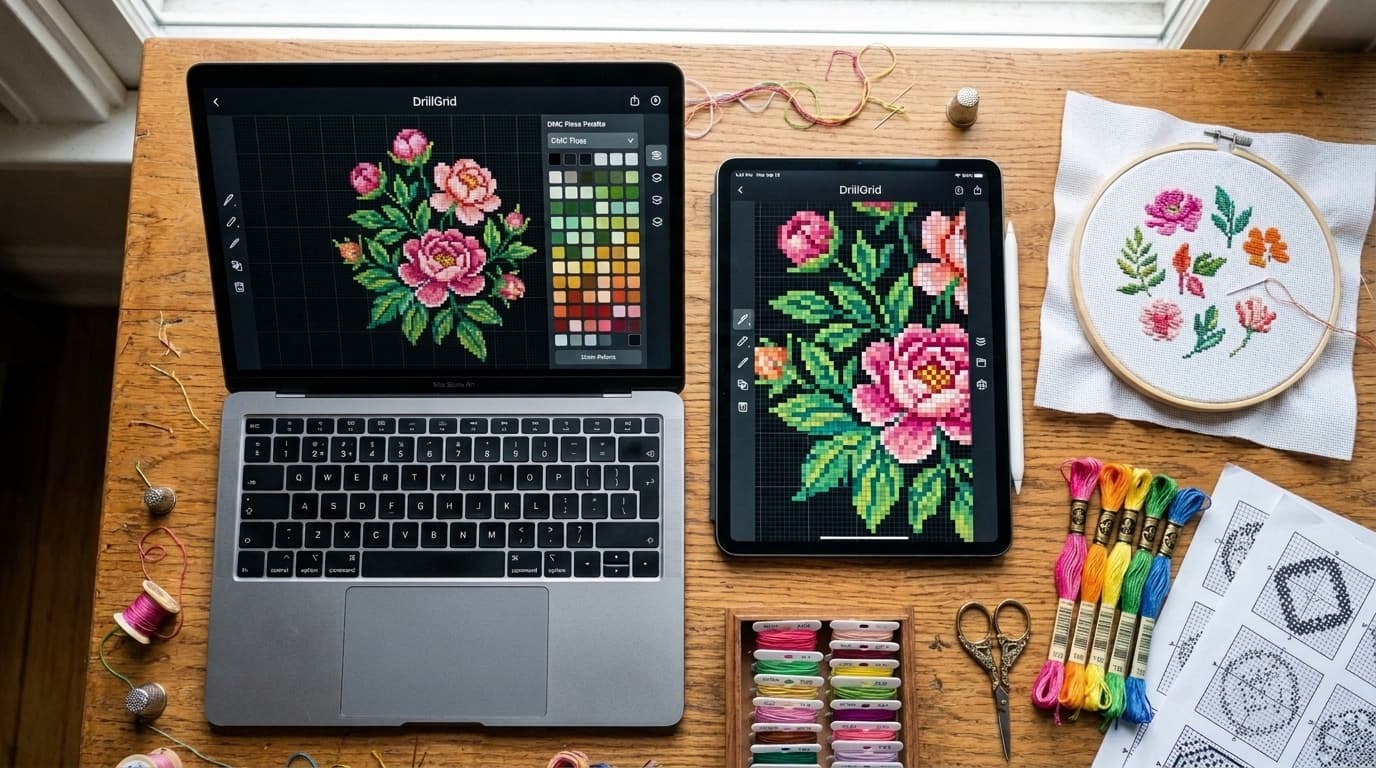
At a Glance
Key findings and core takeaways from our testing and hands-on crafting experience.
Why Cross-Stitchers Are Ditching Legacy Desktop Software#
If you stitch on a Mac, iPad, or iPhone, finding modern cross-stitch pattern software has historically felt like stepping into a time machine back to 1998.
For decades, needleworkers were stuck choosing between two frustrating extremes:
- Clunky Desktop Ports: Expensive $50–$90 desktop programs originally written for Windows XP, packed with tiny toolbar icons that don't support pinch-to-zoom on an iPad or Apple Silicon performance.
- Blurry 2000s Web Converters: Free websites (like Pic2Pat or Pixel-Stitch) that use outdated RGB color math—turning portrait skin tones greenish-gray—and export low-resolution PDFs with hard-to-read symbols.
In 2026, a new wave of native DMC charting tools has arrived. Whether you want to convert a family photo into a realistic counted cross-stitch portrait, design charts from your leftover DMC bobbin stash, or sell digital PDF patterns on Etsy, here are the 5 best cross-stitch pattern makers for Mac, iPad, and iPhone.
Top 5 Cross Stitch Pattern Makers for Mac & iOS Compared#
| Software / App | Platform Support | Best Use Case | Price |
|---|---|---|---|
| 1. DrillGrid | Native iPhone, iPad, Mac (M1+) + Web | Photo-to-DMC portraits, leftover floss stash matching, 10×10 PDF & EPS charts | Free tier (1 full export) + Pro |
| 2. MacStitch | macOS Desktop | Drawing manual pixel motifs, backstitching & fractional stitches | ~$55 – $65 one-time |
| 3. FlossCross | Web Browser only | Free browser pixel drawing & small motif editing | Free |
| 4. Stitch Fiddle | Web Browser only | Digital graph paper for crochet, knitting & basic cross stitch | Free basic / Paid PDF |
| 5. Pixel-Stitch / Pic2Pat | Web Browser only | Quick legacy browser conversions | Free |
1. DrillGrid (Best for Photo Conversions & Floss Stash Matching)
Originally built as a high-precision DMC chart studio for both diamond art and counted grid crafts, DrillGrid has quickly become a favorite among Mac, iPad, and iPhone cross-stitchers who convert photos and artwork into full-coverage DMC charts.
Because counted cross stitch (full crosses) and square-drill diamond art share the exact same 1:1 orthogonal grid, 10×10 counting lines, and 480+ official DMC color codes, DrillGrid solves the biggest headaches of photo-to-stitch conversion:
- CIEDE2000 Perceptual Color Matching: Unlike free web tools that use flat RGB distance, DrillGrid uses human-vision color science so faces, pet fur, and sunsets retain warm, true-to-life DMC shading.
- Leftover DMC Floss Stash Mode: Have a plastic organizer box full of leftover DMC bobbins? Check off the DMC numbers you own, and DrillGrid will chart your pattern using your existing floss inventory first—generating a smart shopping list only for missing colors.
- Crisp 10×10 Printable PDFs & Vector EPS: Export multi-page charts with bold 10×10 counting lines, high-contrast symbols that never confuse
OwithQ, and an itemized DMC legend with exact stitch counts per color. - True Native Apple Experience: Runs natively on iPhone, iPad, and Apple Silicon Macs (M1/M2/M3/M4), plus offers a Free Browser Photo-to-Pattern Tool anyone can test in seconds.
2. MacStitch (Best for Manual Backstitch & Specialty Stitches)
MacStitch (by Ursa Software) is the long-standing traditional desktop program for needleworkers who want a classic CAD-style grid editor on macOS.
- Pros: Supports specialty needlework notation including half-stitches, quarter-stitches, French knots, beadwork, and freehand backstitch lines.
- Cons: The interface feels dated with hundreds of dense menu buttons, there is no native iPhone/iPad app synchronization, and its automated photo conversion requires heavy manual cleanup compared to modern perceptual algorithms.
3. FlossCross (Best Free Web Editor for Small Motifs)
FlossCross is a capable browser-based pattern editor that runs inside Safari or Chrome without requiring an account.
- Pros: Completely free web interface with basic drawing brushes, flood fill, and PDF export.
- Cons: Web-only (no native offline iOS/Mac app), lacks automated leftover floss stash simulation, and struggles with complex portrait color quantization compared to dedicated perceptual engines.
4. Stitch Fiddle (Best Cloud Graph Paper for Multi-Craft Grids)
Stitch Fiddle is an online digital graph paper tool designed for crochet (C2C), knitting, beading, and basic cross stitch.
- Pros: Great if you switch between knitting charts, Tunisian crochet, and simple cross-stitch grids in the cloud.
- Cons: Advanced PDF exports, symbol customization, and progress tracking are locked behind a recurring subscription, and photo-to-DMC conversion is very basic.
5. Pixel-Stitch & Pic2Pat (Classic Free Web Converters)
Pixel-Stitch and Pic2Pat are the veteran free converters that have been bookmarked on stitchers' browsers for nearly twenty years.
- Pros: Free, zero-signup web forms that output a basic PDF with DMC skein estimates.
- Cons: Basic RGB color matching frequently turns facial shadows green or gray, scatters single-stitch "confetti" across portraits, and produces low-resolution raster PDFs that blur when zoomed in on an iPad.
Turn your own photo into a diamond painting chart
Upload any photo, match 480+ official DMC colors, compare round & square drills, and preview high-res detail in your browser.
Feature Comparison Matrix (2026)#
| Capability | DrillGrid | MacStitch | FlossCross | Stitch Fiddle | Pic2Pat |
|---|---|---|---|---|---|
| Native iPhone & iPad App | Yes | No | No (Web only) | No (Web only) | No (Web only) |
| Native Apple Silicon Mac App | Yes | Yes | No (Web only) | No (Web only) | No (Web only) |
| Color Matching Science | CIEDE2000 Perceptual | Standard RGB | Standard RGB | Basic RGB | Basic RGB |
| Leftover DMC Stash Matcher | Yes (Built-in) | Manual palette | No | No | No |
| 10×10 Counting Grid PDF | Yes (Multi-page) | Yes | Yes | Paid tier | Yes (Low-res) |
| Commercial Vector EPS Export | Yes | No | No | No | No |
| Exact Stitch Count per DMC | Yes | Yes | Yes | Paid tier | Skein estimate |
| Backstitch / Quarter Stitches | Full Cross Grid | Yes | Basic | Basic | No |
Step 1: Upload Your Photo on Mac, iPad, or Browser#
To see how much cleaner modern CIEDE2000 color matching looks on your own photos, open DrillGrid's Free Photo-to-Pattern Tool in Safari or launch the native DrillGrid app on your iPhone, iPad, or Mac. Select a well-lit portrait or pet photo and crop closely around your subject.
Step 2: Tune Your DMC Palette & Grid Count#
Switch the grid shape to Square (1:1 orthogonal cross-stitch grid) and choose your grid resolution:
- 120 × 160 cells (30×40 cm preset): Yields an 8.6 × 11.4 inch finished piece on 14-count Aida.
- 160 × 200 cells (40×50 cm preset): Yields a 10.0 × 12.5 inch finished piece on 16-count Aida.
Adjust the DMC color slider between 25 and 38 colors to eliminate single-stitch confetti while preserving smooth shading gradients.
Step 3: Export Your Multi-Page PDF & Floss Key#
Tap Export PDF to download your print-ready chart. Every page features bold 10×10 major grid lines, row and column numbering, high-contrast symbols, and a dedicated DMC Color Legend showing the exact stitch count for every thread shade.
Frequently Asked Questions#
Can I use a cross-stitch PDF from DrillGrid in Pattern Keeper or GoodNotes on iPad?
Yes! DrillGrid exports crisp, high-resolution PDFs and vector EPS files that you can import directly into GoodNotes, Notability, or PDF markup apps on iPad to highlight completed stitches with your Apple Pencil.
Why do cross-stitchers use DrillGrid if it also supports diamond painting?
Counted cross stitch (full crosses) and square-drill diamond painting are mathematically identical on a chart: both use a 1:1 square grid, 10×10 counting blocks, and the official 480+ DMC color catalog. DrillGrid brings modern Apple design, perceptual CIEDE2000 color science, and leftover DMC stash matching that legacy cross-stitch apps lack.
Does DrillGrid work on Apple Silicon Macs (M1, M2, M3, M4)?
Yes! DrillGrid runs natively on macOS (Apple Silicon M1 and newer), iPadOS, and iOS, and its online calculators and DMC Color Lookup work in any web browser on Windows, Mac, or Linux.
Ready to turn your photo into a diamond painting?
Upload any photo and get a printable pattern with exact colors and drill counts, free to try.
First pattern export free · iPhone, iPad & Mac · Free browser preview on any device
Frequently Asked Questions
What is the best cross stitch pattern maker for Mac and iPad?+
For turning photos, portraits, and artwork into full-coverage DMC charts, DrillGrid is the top native app for Mac, iPad, and iPhone thanks to its CIEDE2000 perceptual color matching, leftover DMC stash tool, and crisp 10x10 PDF exports. For drawing manual fractional stitches and backstitching from scratch, MacStitch is the classic desktop option.
Is there a free cross stitch pattern generator without watermarks?+
Yes. DrillGrid lets you preview photo-to-DMC conversions for free in your browser and your first full multi-page PDF pattern export in the app is free, with zero watermarks.
Can I match a cross stitch pattern to DMC floss I already own?+
Yes! DrillGrid includes a built-in Stash Matching mode where you select the DMC color numbers already in your bobbin box, and the software generates your pattern using your existing thread inventory first.
Can I sell patterns I make with DrillGrid on Etsy?+
Yes. Patterns you generate from your own original photos or licensed artwork in DrillGrid can be exported as multi-page PDFs or vector EPS files and sold as digital downloads or physical kits on Etsy.
Continue Reading
More diamond painting guides, DMC color tools, and sizing formulas.
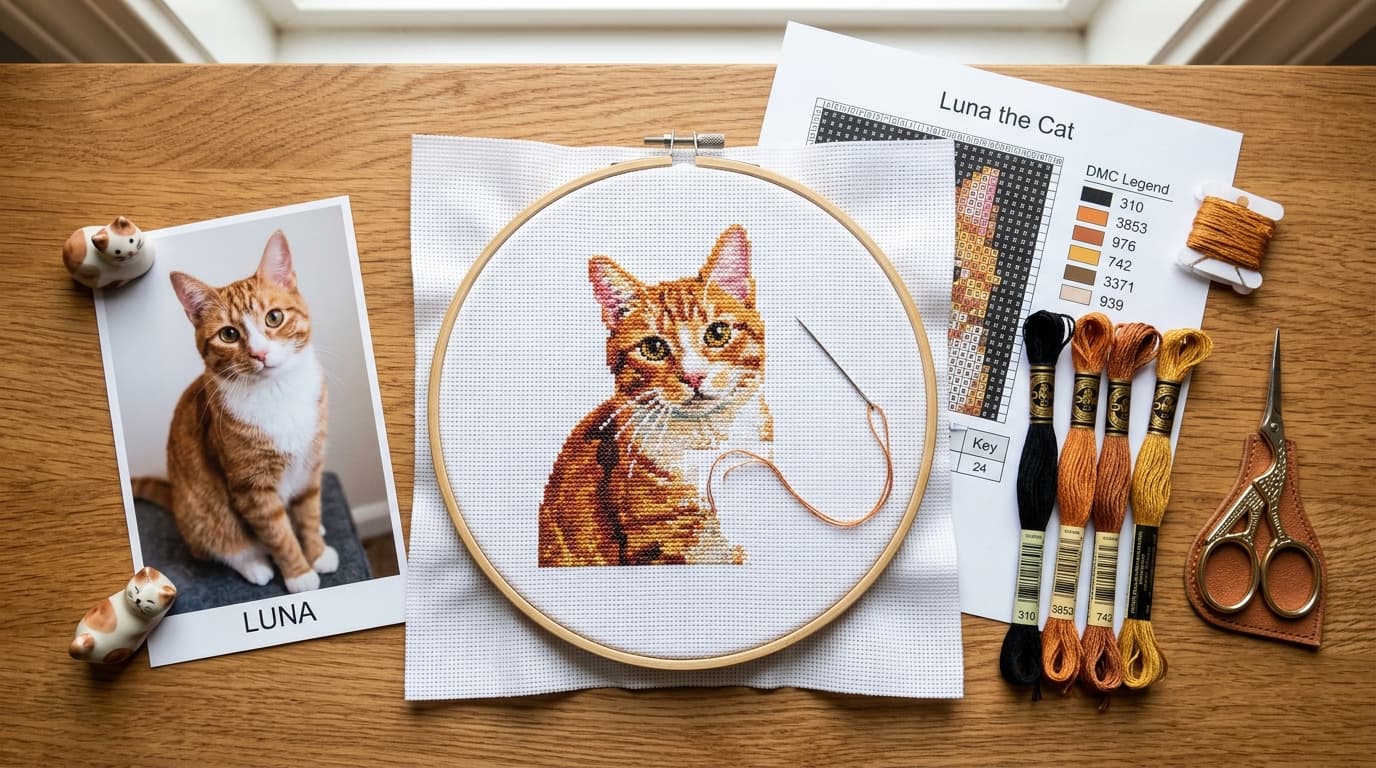
How to Turn Any Photo Into a Cross Stitch Pattern (Without Muddy Colors)
Learn how to turn any photo into a counted cross stitch pattern with accurate DMC floss colors, 10x10 counting grids, and readable chart symbols.
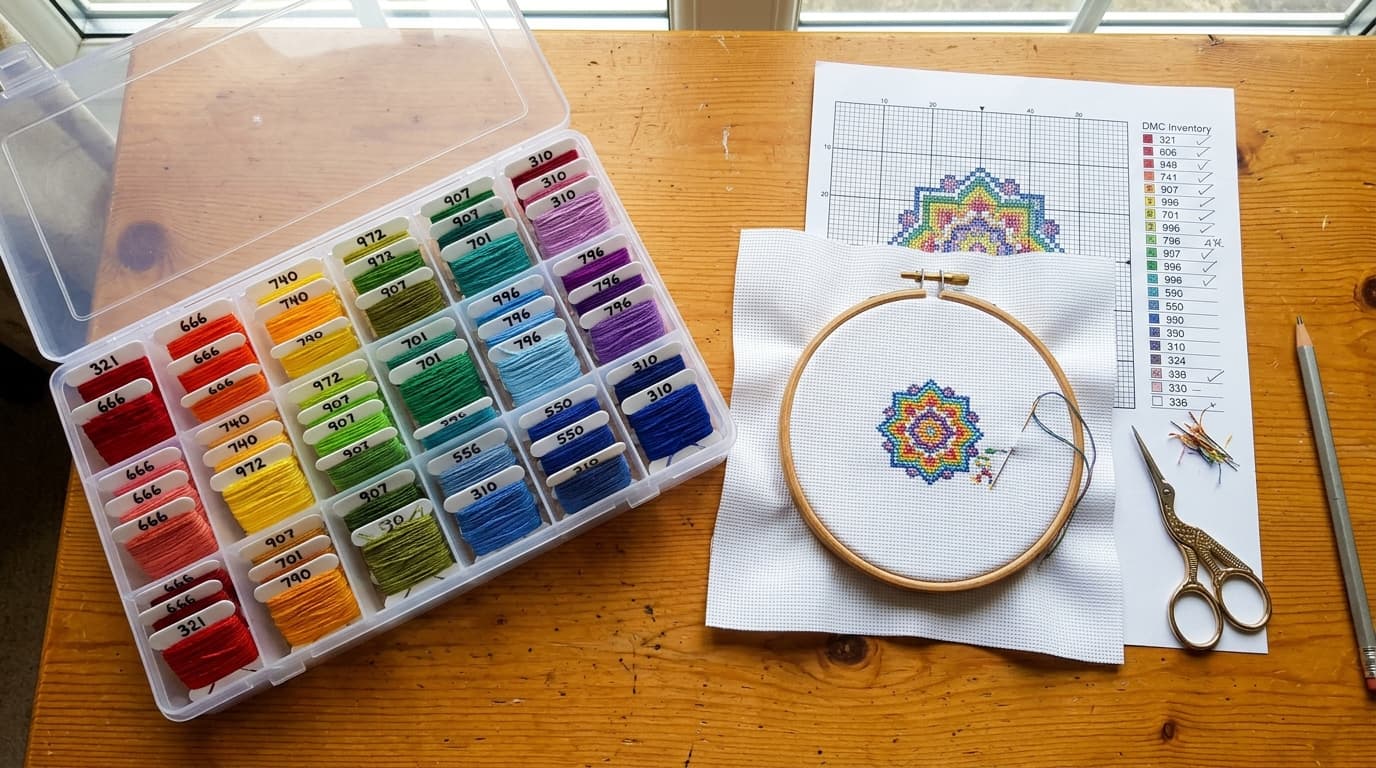
How to Make Custom Cross Stitch Patterns From Your Leftover DMC Floss Stash
Turn leftover DMC embroidery floss into custom cross stitch patterns. Match any photo to your existing bobbin stash and buy only missing skeins.
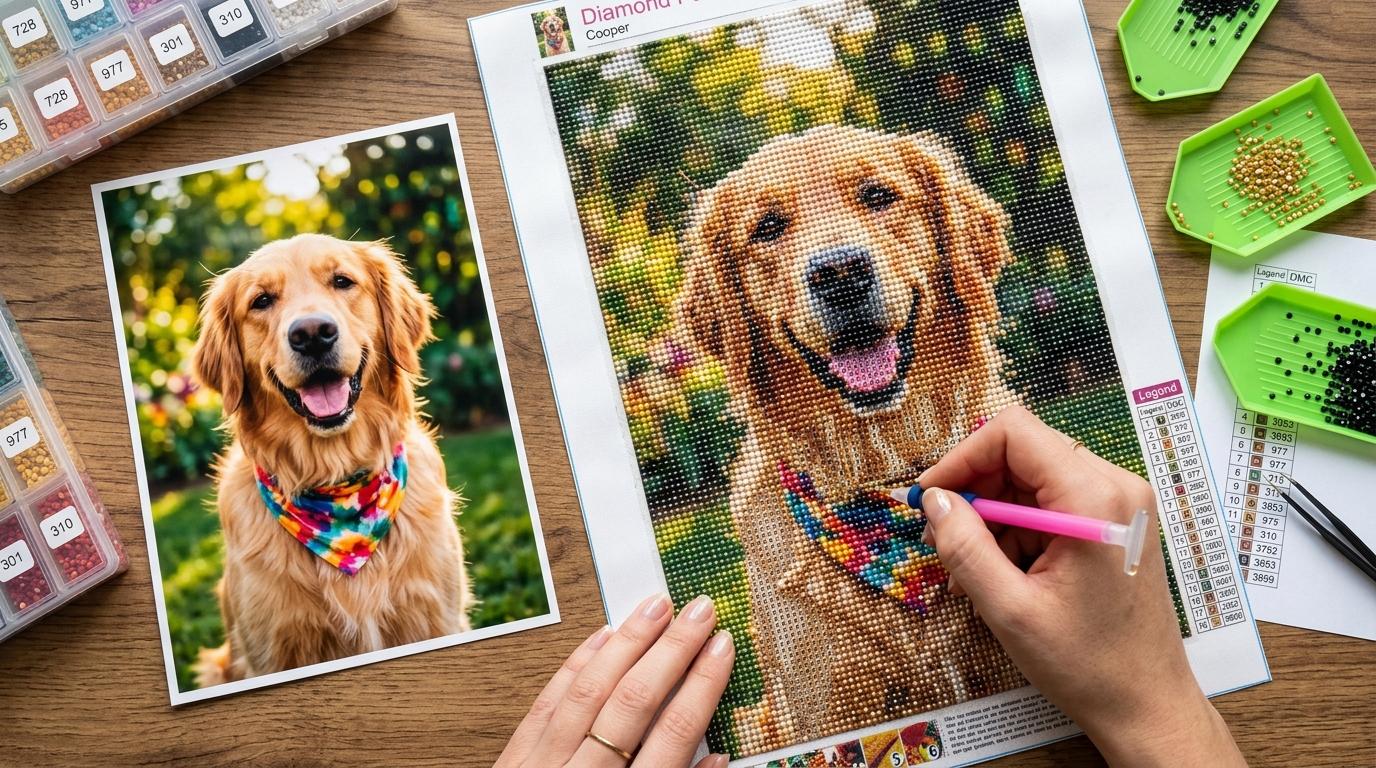
Best Diamond Painting Pattern Makers: 2026 Guide
Discover the best diamond painting pattern makers in 2026. Compare software options for DMC color matching, 1:1 scale lightpad charts, and stash reuse.
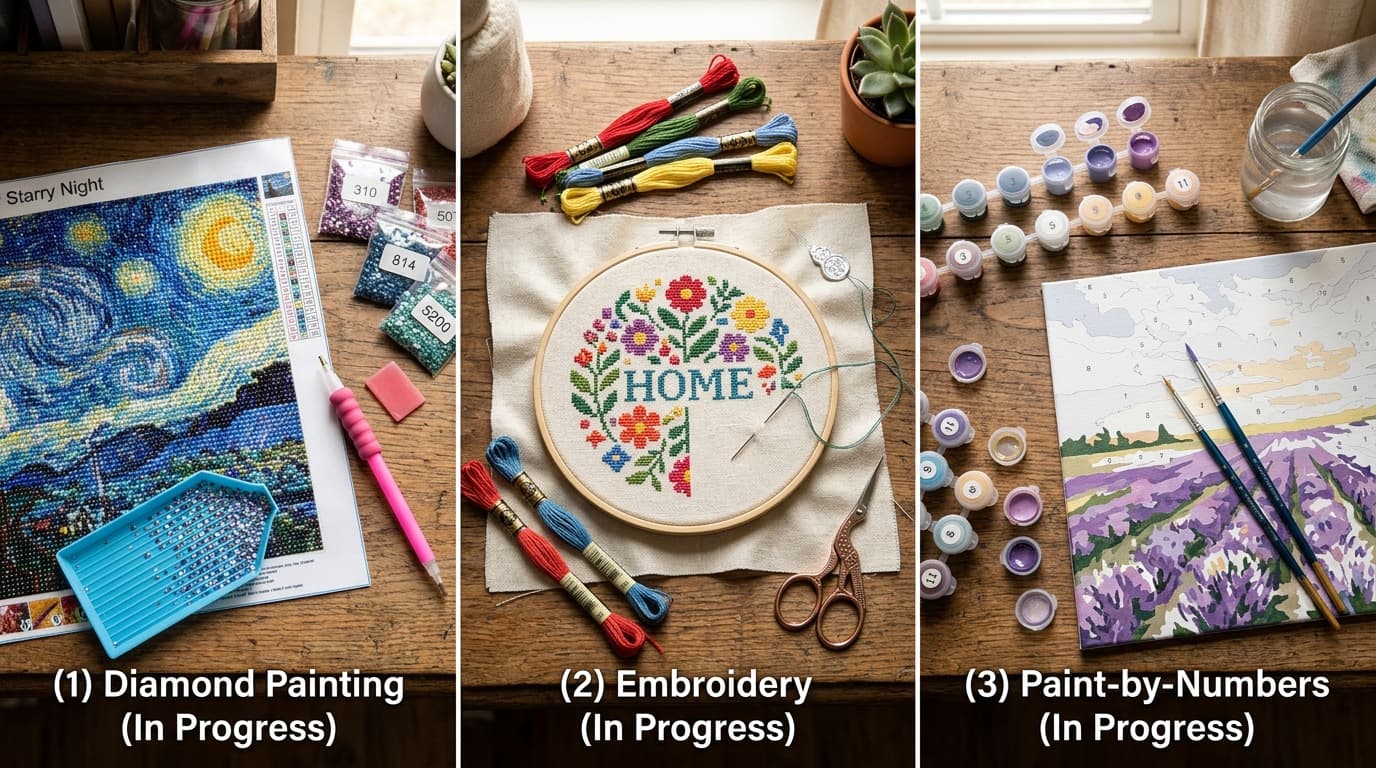
Diamond Painting vs. Cross Stitch vs. Paint by Numbers: Which Craft Is Best?
Diamond painting vs cross stitch vs paint by numbers: compare learning curve, DMC floss codes, mess, completion speed, and costs to find your ideal craft.