How to Turn Any Photo Into a Cross Stitch Pattern (Without Muddy Colors)
Convert family portraits, pets, and artwork into crisp counted cross-stitch charts with accurate DMC floss codes, 10×10 counting grids, and zero confetti.
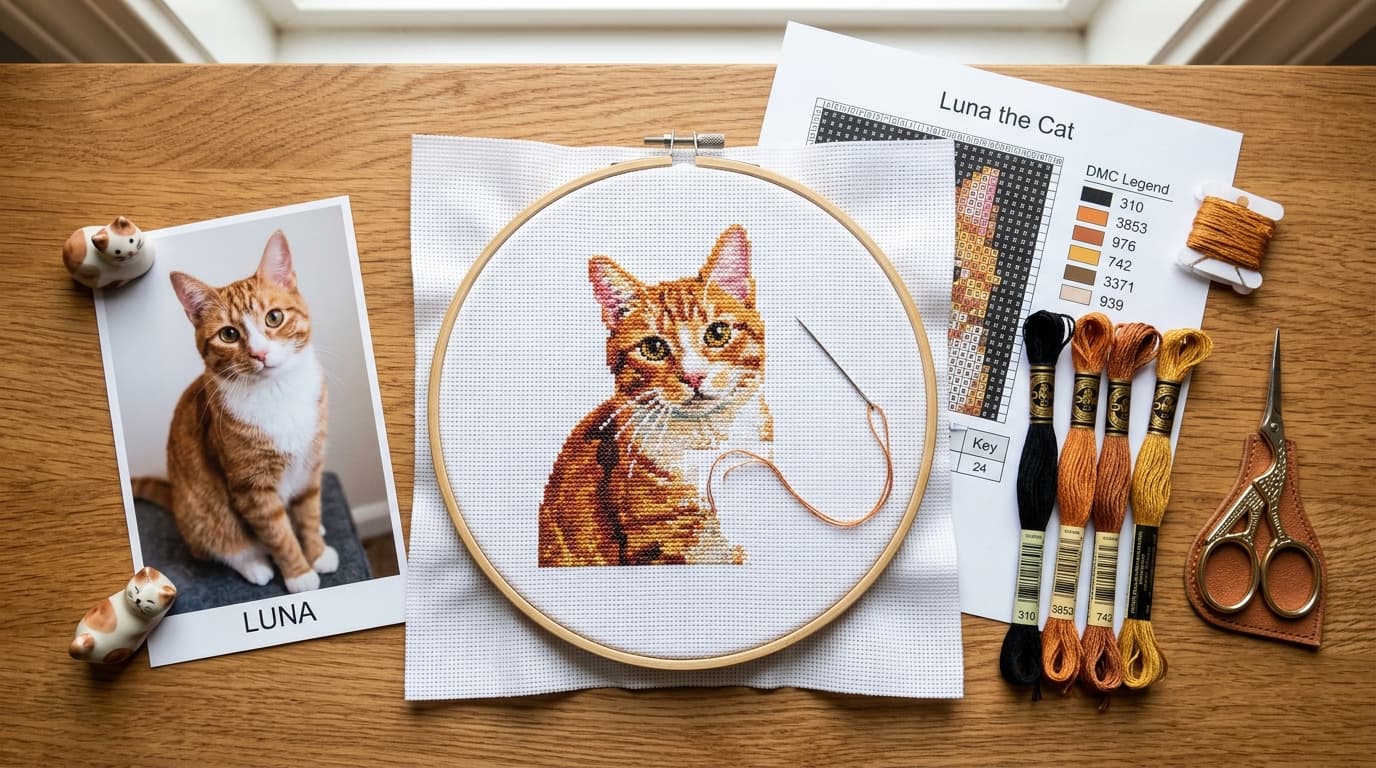
At a Glance
Key findings and core takeaways from our testing and hands-on crafting experience.
Turning a favorite family photograph, wedding portrait, or beloved pet picture into a counted cross stitch pattern is one of the most rewarding projects in needlework. Yet if you have ever uploaded a photo into an old 2000s-era free web converter, you probably know the heartbreak that follows:
- Warm skin tones turn into greenish-gray zombie shadows.
- The chart explodes into 75+ colors of "confetti"—isolated single stitches that force you to re-thread your needle and tie off knots every 30 seconds.
- The exported PDF prints tiny, blurry symbols where
8,B,0, andOlook identical under your reading lamp.
Because counted cross stitch and diamond painting share the exact same square grid geometry and international DMC color system, modern stitchers are now using DrillGrid to generate crisp, gallery-grade DMC cross-stitch charts in seconds. Here is the complete step-by-step guide.
Why Most Free Photo-to-Cross-Stitch Converters Fail#
Traditional browser converters (like Pic2Pat or Pixel-Stitch) rely on simple Euclidean RGB math from the late 1990s. They measure the straight-line distance between red, green, and blue screen values without understanding human vision.
| Common Chart Flaw | What Causes It in Legacy Tools | How DrillGrid Fixes It |
|---|---|---|
| Green or Purple Skin Tones | Basic RGB math treats green and red channels equally | CIEDE2000 Perceptual Color Science prioritizes human skin warmth and natural luminance |
| Endless "Confetti" Stitches | Unfiltered pixel dithering scatters single stitches everywhere | Smart Palette Quantization merges stray pixels into clean, stitchable color islands |
| Eye-Straining Symbols | Low-res bitmap fonts with ambiguous characters (O vs Q) | High-Contrast Vector Symbols with bold 10×10 major counting lines |
| Missing Thread Inventory | Forces you to buy 40 brand-new skeins for every project | Leftover DMC Stash Mode maps your photo to the DMC bobbins already in your organizer box |
Step 1: Prep & Crop Your Photo for Aida Cloth#
In counted cross stitch, every stitch is a single pixel. If your subject's face only occupies 15% of the photograph, there simply aren't enough fabric holes on 14-count Aida to render eyes, noses, and smiles cleanly.
- Crop Tightly Around the Subject: Fill 70% to 80% of the frame with your pet or family member. Trim away empty sky, grass, and busy room clutter.
- Use Even, Natural Lighting: Choose a photo taken in bright outdoor shade or near a window. Avoid harsh overhead shadows that hide eye detail.
- Boost Contrast Slightly: Before importing, raise your phone's Brightness and Contrast sliders by 10–15% so dark eyelashes and bright catchlights pop against mid-tones.
Turn your own photo into a diamond painting chart
Upload any photo, match 480+ official DMC colors, compare round & square drills, and preview high-res detail in your browser.
Step 2: Match Your Aida Count to Grid Dimensions#
When you select a canvas size in DrillGrid, the app displays the exact grid dimensions in columns × rows (at 4 cells per centimeter in Square mode).
For cross-stitchers, the grid count (columns × rows) is all that matters—your physical fabric size simply depends on whether you stitch on 14-count, 16-count, or 18-count Aida cloth:
| DrillGrid Preset | Stitch Grid (Cols × Rows) | Total Stitches | Size on 14-Count Aida | Size on 16-Count Aida | Size on 18-Count Aida |
|---|---|---|---|---|---|
| 20 × 25 cm | 80 × 100 stitches | 8,000 | 5.7 × 7.1 in | 5.0 × 6.3 in | 4.4 × 5.6 in |
| 30 × 40 cm | 120 × 160 stitches | 19,200 | 8.6 × 11.4 in | 7.5 × 10.0 in | 6.7 × 8.9 in |
| 40 × 50 cm | 160 × 200 stitches | 32,000 | 11.4 × 14.3 in | 10.0 × 12.5 in | 8.9 × 11.1 in |
| 50 × 70 cm | 200 × 280 stitches | 56,000 | 14.3 × 20.0 in | 12.5 × 17.5 in | 11.1 × 15.6 in |
Step 3: Quantize to Official DMC Floss Colors (Zero Confetti)#
Once your photo is loaded into DrillGrid, the engine maps your image to the 480+ official DMC six-strand embroidery floss colors using CIEDE2000 perceptual color matching.
To keep your cross-stitch project enjoyable and confetti-free, tune your color count based on your subject:
- 15 to 24 DMC Colors: Best for stylized pixel art, floral motifs, samplers, and high-contrast cartoon portraits. Creates large, relaxing color-blocked areas.
- 28 to 38 DMC Colors: The sweet spot for realistic pet portraits and single human portraits. Smoothly blends fur and skin gradients without scattering single isolated stitches.
- 45 to 60 DMC Colors: Reserved for large heirloom landscapes or multi-person wedding portraits (160×200+ stitches) where subtle shading transitions are essential.
Step 4: Customize High-Contrast Symbols & 10×10 Grids#
Every counted cross-stitcher knows the pain of losing your place on a pale gray paper chart and discovering three hours later that your row is off by one stitch—forcing you to "frog" (rip out) hundreds of stitches.
DrillGrid eliminates counting errors automatically:
- Bold 10×10 Major Counting Lines: Every 10th column and 10th row is marked with a crisp, reinforced grid line that matches pre-gridded Easy-Count Aida fabric or water-soluble pen grids.
- Unambiguous Symbol Assignment: The generator automatically pairs high-contrast alphanumeric symbols against color-coded or clean white cells so you never confuse similar shapes.
- Interactive Zoom & Pan: You can work directly from your iPad or Mac screen at 400% zoom, or print multi-page physical sheets to highlight with a marker as you stitch.
Step 5: Export Printable PDFs & Calculate DMC Skeins#
When your chart looks right, tap Export and choose PDF Print (or Vector EPS). Your download includes:
- Multi-Page Tiled Pattern Sheets with row/column coordinates and overlap guides.
- A Complete DMC Color Key Sheet listing every official DMC code, color name, symbol, and exact total stitch count.
How to Convert DrillGrid's Cell Count Into DMC Floss Skeins
DrillGrid's legend gives you the exact number of cells (stitches) for every DMC color. Since a standard DMC 8-meter (8.7-yard) skein has 6 divisible strands, use this quick conversion table to see how many skeins to buy:
| Aida Fabric Gauge | Recommended Strands | Full Crosses per 8m DMC Skein | Quick Formula |
|---|---|---|---|
| 11-Count Aida | 3 strands | ~950 stitches per skein | Divide stitch count by 950 |
| 14-Count Aida | 2 strands (Standard) | ~1,800 stitches per skein | Divide stitch count by 1,800 |
| 16-Count Aida | 2 strands | ~2,050 stitches per skein | Divide stitch count by 2,050 |
| 18-Count Aida | 2 strands | ~2,300 stitches per skein | Divide stitch count by 2,300 |
Example: If your DrillGrid legend says your pattern uses 2,400 cells of DMC 310 (Black) and you are stitching on 14-count Aida with 2 strands, divide 2,400 ÷ 1,800 = 1.33 — so you should pick up 2 skeins of DMC 310. For any color under 1,500 stitches, a single skein is more than enough!
Frequently Asked Questions#
Does DrillGrid use the exact same DMC numbers as DMC embroidery floss?
Yes! Both counted cross stitch and diamond painting use the identical international DMC (Dollfus-Mieg & Compagnie) numbering system. DMC 310 is Black, DMC 3865 is Winter White, and DMC 666 is Bright Red in both crafts.
Which DrillGrid setting should I choose for cross stitch patterns?
Always select Square mode when generating a chart for cross stitch. Square mode uses a strict 1:1 orthogonal grid with bold 10×10 major counting lines, which maps stitch-for-stitch to woven Aida and linen fabrics.
How do I prevent "confetti" single stitches in a photo conversion?
Keep your palette between 25 and 35 DMC colors and crop closely around your subject before importing. Reducing the total color count forces the CIEDE2000 algorithm to group isolated stray pixels into clean, contiguous color blocks.
Ready to turn your photo into a diamond painting?
Upload any photo and get a printable pattern with exact colors and drill counts, free to try.
First pattern export free · iPhone, iPad & Mac · Free browser preview on any device
Frequently Asked Questions
Can I use DrillGrid to make counted cross stitch patterns?+
Yes! In Square mode, DrillGrid generates a 1:1 square grid mapped to 480+ official DMC embroidery floss codes, complete with 10x10 counting lines, high-contrast symbols, and exact stitch counts per color.
How many stitches should a custom cross stitch portrait be?+
For a single pet or person, a grid of at least 120x160 stitches (8.6x11.4 inches on 14-count Aida) is recommended so facial features like eyes and noses stay sharp. For couples or detailed scenes, aim for 160x200 stitches.
How many cross stitches can I get from one skein of DMC floss?+
Using 2 strands of floss on standard 14-count Aida cloth, one 8-meter DMC skein yields approximately 1,800 full cross stitches (allowing for normal thread tails and starting/stopping).
Why do free photo-to-cross-stitch converters make faces look green?+
Older free converters use basic RGB Euclidean distance, which weighs red, green, and blue equally on screen. DrillGrid uses CIEDE2000 perceptual color science, which matches colors the way the human eye perceives warmth and skin tones.
Continue Reading
More diamond painting guides, DMC color tools, and sizing formulas.
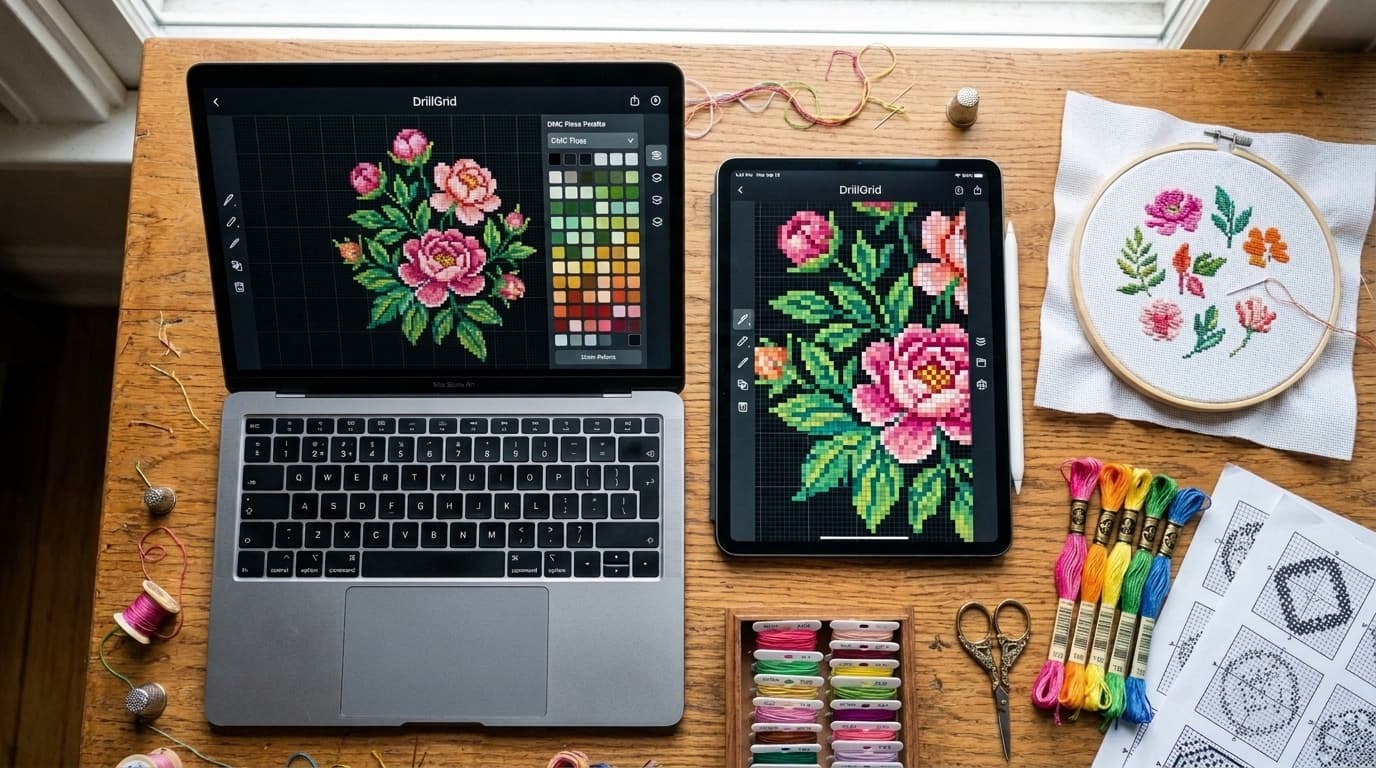
Best Cross Stitch Pattern Makers for Mac, iPad & iPhone (2026 Guide)
Compare the best cross stitch pattern makers for Mac, iPad, and iPhone in 2026. Review DMC color accuracy, PDF chart exports, floss stash tools, and pricing.
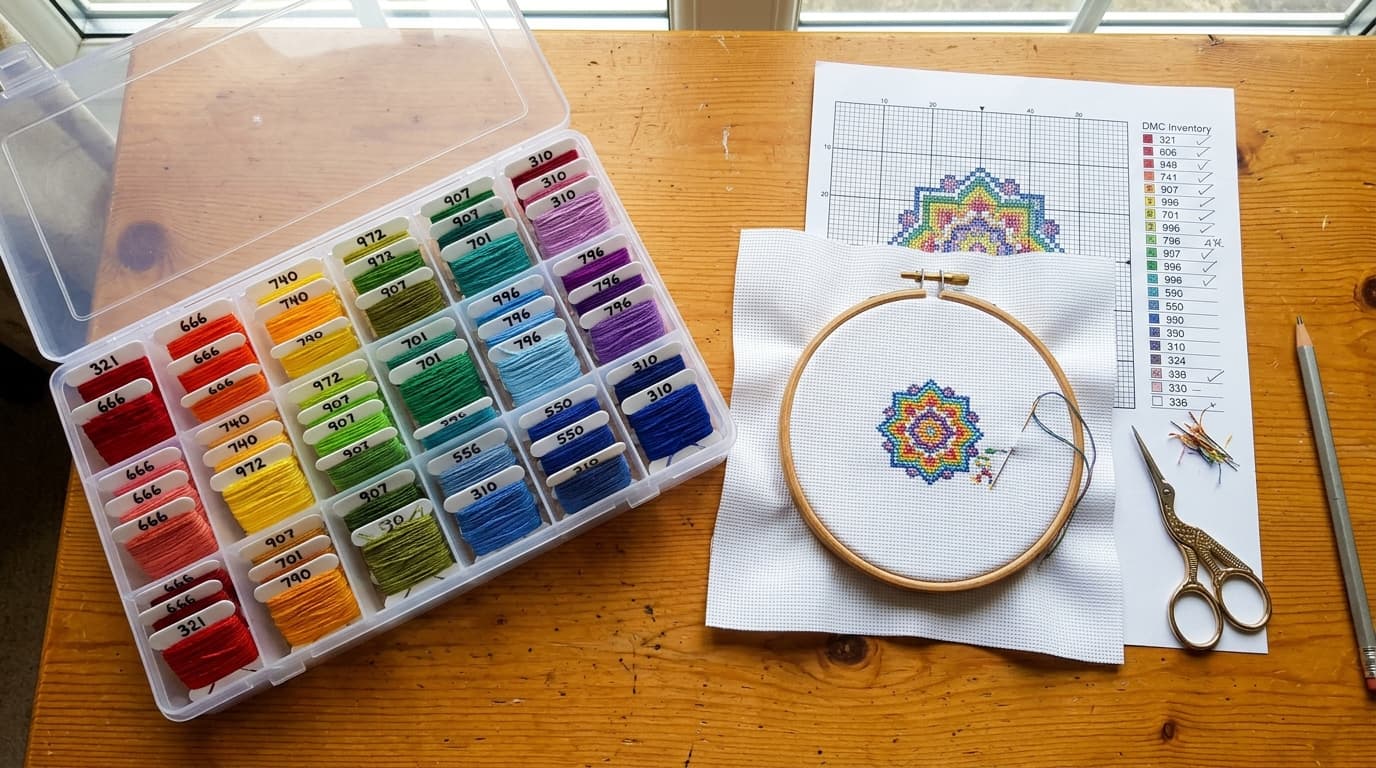
How to Make Custom Cross Stitch Patterns From Your Leftover DMC Floss Stash
Turn leftover DMC embroidery floss into custom cross stitch patterns. Match any photo to your existing bobbin stash and buy only missing skeins.
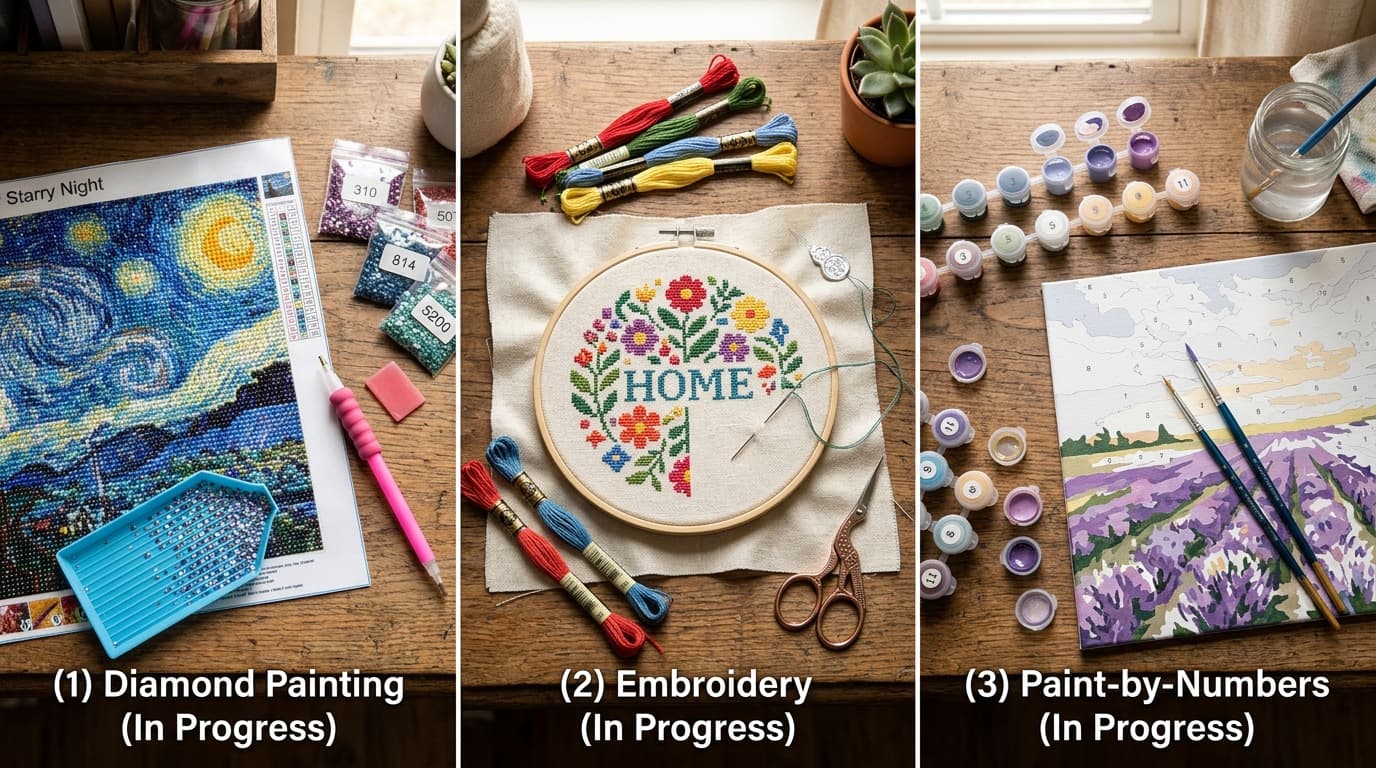
Diamond Painting vs. Cross Stitch vs. Paint by Numbers: Which Craft Is Best?
Diamond painting vs cross stitch vs paint by numbers: compare learning curve, DMC floss codes, mess, completion speed, and costs to find your ideal craft.
DMC Drill Color Chart: Diamond Art Drill Color Lookup & Swatches
Search 480+ official shades with our interactive DMC drill color chart, complete with hex codes, RGB values, color families, and CSV download.