Best Diamond Painting Pattern Makers: 2026 Guide
Compare the best diamond painting pattern generators, cross-stitch converters, and custom chart makers for turning photos into diamond art.
At a Glance
Key findings and core takeaways from our testing and hands-on crafting experience.
What Makes a Great Diamond Painting Pattern Maker?#
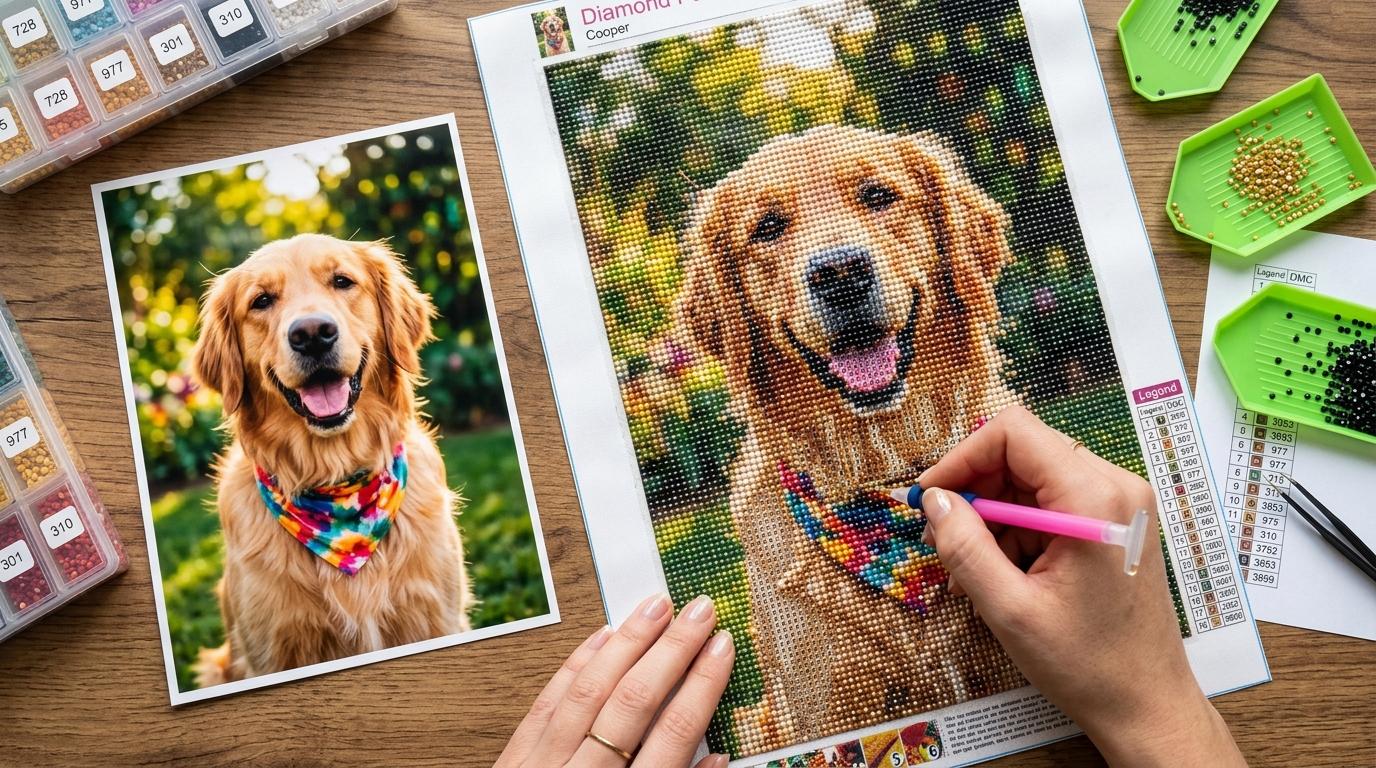
Turning a personal photo into a sparkling diamond painting is one of the most rewarding projects in modern crafts. Whether you want to preserve a cherished wedding portrait, immortalize a beloved pet, or create a personalized gift, the quality of your finished canvas depends entirely on the pattern maker software you use.
For years, crafters were forced to rely on 2000s-era cross-stitch converters or order blind custom kits from overseas suppliers. Today, specialized software has revolutionized DIY diamond art.
When evaluating a diamond painting pattern maker, look for these five essential capabilities:
- Physical Drill Sizing (2.5 mm Square & 2.8 mm Round): Diamond drills have fixed physical sizes. A good generator creates grids calibrated to exact millimeters so printed sheets match physical adhesive canvases and lightpads.
- Perceptual DMC Color Matching: Basic RGB distance algorithms produce muddy shadows and greenish skin tones. Advanced tools use CIEDE2000 color science to accurately match 480+ official DMC shades.
- High-Contrast Symbol Separation: Similar characters like "8" and "B", or "0" and "O", cause frustrating placement errors. The best software pairs distinct glyphs with contrasting backgrounds.
- Stash Inventory Reuse: Why buy new beads if you already have thousands of leftover drills? Look for tools that let you input your surplus inventory.
- Print-Ready Vector Exports: Tiled 1:1 multi-page PDFs and vector EPS files allow crisp printing at home or via commercial wide-format printers.
The Best Diamond Painting Pattern Makers (2026)#
Here is our comprehensive breakdown of the leading pattern generators and custom chart solutions available today.
| Software / Option | Key Pros | Key Cons | Ideal Crafter |
|---|---|---|---|
| DrillGrid | 1:1 physical scale, CIEDE2000 DMC matching, stash reuse, vector EPS & 1:1 PDF | Native desktop requires Apple Silicon (M1+) | Dedicated diamond painters & custom kit creators |
| Pixel-Stitch | Free web tool, simple slider controls, DMC floss numbers | RGB math causes muddy skin tones; Aida cloth gauge drifts on lightpads | Cross-stitchers experimenting with pixel art |
| Pic2Pat | Established free converter, multi-page PDF generation | Low-resolution raster PDFs, ambiguous font symbols | Traditional embroidery crafters |
| AliExpress / Amazon Kits | Complete physical kit with drills, glue, and canvas included | No pre-order preview, 3–6 week shipping, frequent bead shortfalls | Crafters wanting a physical boxed kit |
1. DrillGrid (Best Overall for Diamond Painters)
DrillGrid is the premier native pattern generator designed exclusively for diamond art crafters. Available on iOS, iPadOS, and macOS (with free web tools), it addresses the specific pain points of diamond painting.
| Pros | Cons |
|---|---|
| CIEDE2000 Color Science: High fidelity for portraits, skin tones, and pet fur without greenish tints | Desktop Requirements: Native desktop app requires Apple Silicon (M1+), though web calculators work on any browser |
| 1:1 Scale Calibration: True 2.5mm square and 2.8mm round dimensions for lightpad overlay | |
| Leftover Stash Mode: Maps photos to drills you already own at home, minimizing waste | |
| Mystery Canvas: One-click symbol-only blind reveal charts for genuine surprise projects | |
| Vector EPS & 1:1 PDF: Crisp, unpixelated printing at any canvas size with cutting guides | |
| Free Tier: First full pattern export free, with zero watermarks |
2. Pixel-Stitch (Best for Cross-Stitch Hybrid Crafters)
Pixel-Stitch is a popular free browser-based image converter built primarily for cross-stitch embroidery. Many crafters discover it when looking for free pattern makers.
| Pros | Cons |
|---|---|
| 100% Free & Web-Based: Use in any browser without installing software | RGB Color Math: Often distorts warm skin tones with green or gray shadow tints |
| DMC Floss Codes: Standard DMC color numbering and thread skein estimates | Aida Cloth Gauge: Sized in stitches per inch, not physical 2.5mm / 2.8mm drills |
| Simple Sliders: Quick controls for palette size and stitch count | No Diamond Art Features: No drill weight math, bag counts, or stash inventory |
3. Pic2Pat (Classic Free Thread Converter)
Pic2Pat is one of the earliest free pattern converters on the web, serving needleworkers for over twenty years.
| Pros | Cons |
|---|---|
| Free Legacy Converter: Straightforward step-by-step form on the web | Pixelated Raster PDFs: Older bitmap generation causes blurry, soft symbols |
| Multi-Page Printing: Generates split printable PDF pages with DMC floss keys | Ambiguous Symbols: Uses generic fonts prone to eye fatigue (8 vs B, 0 vs O) |
| No Drill Features: Lacks drill sizing, weight conversion, and stash reuse |
4. Custom Kit Manufacturers (AliExpress & Amazon)
Instead of generating their own chart, many crafters order pre-made custom kits from overseas marketplace sellers on AliExpress or Amazon.
| Pros | Cons |
|---|---|
| Complete Physical Kit: Arrives with canvas, poured glue, tool pens, and beads | No Pre-Order Preview: Cannot inspect colors, symbol clarity, or facial detail |
| Hands-Off Process: Upload a JPEG, pay online, and wait for shipping | Long Shipping Times: Takes 3 to 6 weeks from overseas factories |
| Frequent Missing Drills: Missing beads can delay your project by weeks |
Turn your own photo into a diamond painting chart
Upload any photo, match 480+ official DMC colors, compare round & square drills, and preview high-res detail in your browser.
Feature Comparison Matrix#
| Capability | DrillGrid | Pixel-Stitch | Pic2Pat | Overseas Custom Kits |
|---|---|---|---|---|
| Physical 1:1 Scale Calibration | Yes (2.5mm & 2.8mm) | No (Aida cloth) | No (Stitch count) | Pre-printed only |
| Color Distance Algorithm | CIEDE2000 (Perceptual) | RGB Euclidean | Basic RGB | Automated factory |
| Official DMC 480+ Colors | Yes | Yes | Partial | Yes |
| Leftover Stash Inventory Math | Yes (Built-in) | No | No | No |
| Drill Weight & Bag Calculator | Yes (Grams & Bags) | Floss skeins only | Floss skeins only | Pre-packed only |
| Special Drills (AB, Glow, Crystal) | Yes (Chart tagging) | No | No | Extra fee / Rare |
| Mystery Canvas Blind Mode | Yes | No | No | Select sellers |
| Export Formats | Vector EPS, 1:1 PDF, PNG | Raster PDF, JPG | Low-res PDF | Physical canvas |
| Turnaround Time | Instant (Seconds) | Instant | 1–2 minutes | 3–6 weeks |
Why Cross-Stitch Converters Struggle with Diamond Art#
A common mistake among beginners is assuming that thread cross-stitch software works identically for diamond painting. While both crafts use DMC color codes, their physical reality is completely different:
- Millimeters vs. Thread Gauges: Thread cross-stitch relies on Aida cloth counts (such as 14-count = 1.81mm per stitch, or 18-count = 1.41mm). Diamond drills, however, are precision-molded resin gems measuring exactly 2.5 mm for square drills and 2.8 mm for round drills. A cross-stitch pattern printed at home will quickly drift off-grid under a lightpad.
- Bead Weight vs. Thread Skeins: When ordering supplies, diamond painters need drill counts converted into grams and 1,000-drill bags, with a built-in +15% safety buffer for spills and defective drills. Cross-stitch software only estimates 8-meter thread skeins.
- Facet Shine vs. Matte Thread: Diamond drills reflect light through angled facets. Color matching software must account for visual vibrancy and highlight contrast rather than flat thread absorption.
Step-by-Step: How to Create Your Custom Pattern#
Creating a professional diamond painting chart takes less than five minutes with modern software:
Step 1: Crop and Prepare Your Photo
Choose a high-contrast image with clear lighting. For portraits, crop closely around the face to maximize detail. Avoid heavy shadows across facial features.
Step 2: Choose Your Canvas Dimensions
Use our free Canvas Size Calculator to test dimensions:
- Single Pet Face / High-Contrast Portrait: Minimum 30×40 cm (19,200 square drills).
- Couple / Floral Arrangement: Minimum 40×50 cm (32,000 square drills).
- Family Group / Detailed Landscape: Minimum 50×70 cm (56,000 square drills).
Step 3: Select Drill Shape & Special Finishes
Decide between Square (2.5mm) for full-coverage mosaic locking, or Round (2.8mm) for faster placement. Add specialty AB (Aurora Borealis) highlights for glowing accents.
Step 4: Check Drill Counts and Order Supplies
Review your color list and use the Drill & Weight Calculator to determine exact gram weights and replacement bag quantities.
Step 5: Export and Print
Print your 1:1 scale PDF at 100% actual size (do not scale to fit). Mount a double-sided adhesive sheet over the printout or tape it to an LED lightpad, and start diamond painting!
Frequently Asked Questions#
Ready to turn your photo into a diamond painting?
Upload any photo and get a printable pattern with exact colors and drill counts, free to try.
Free preview in your browser · No account or download needed
Frequently Asked Questions
What is the best free diamond painting pattern maker?+
DrillGrid offers the most comprehensive free diamond painting pattern maker. Your first full pattern export is free, with 1:1 scale printable PDFs, CIEDE2000 DMC color matching, square and round drill calibration, and free interactive web tools for canvas sizing and drill weight math.
Can I use a cross-stitch pattern maker for diamond painting?+
While you can cross-reference DMC color numbers, cross-stitch pattern makers do not calibrate cells to physical 2.5mm square or 2.8mm round drill sizes. If you print the chart for lightpad tracing, your drills will drift off-center after a few rows. Specialized software like DrillGrid provides true 1:1 millimeter scale.
How do I turn a personal photo into a diamond painting chart?+
Upload your photo into DrillGrid on your iPhone, iPad, or Mac. Select your canvas size (such as 30x40cm or 40x50cm) and drill shape. The software automatically quantizes your photo to official DMC colors with high-contrast symbols, allowing you to export a 1:1 scale printable PDF immediately.
What size canvas should I pick for a custom portrait?+
For a single face or pet portrait, choose at least 30x40 cm (19,200 square drills) for clean facial features. For photorealistic fur textures, fine eyes, and subtle smile lines, 40x50 cm (32,000 square drills) is recommended. Anything smaller than 30x40 cm will look pixelated.
What does CIEDE2000 color matching do for diamond art?+
CIEDE2000 is the international scientific standard for color difference calculation. Unlike basic RGB math, CIEDE2000 accurately mirrors human perceptual vision, ensuring that delicate skin tones, soft shadows, and warm gradients map to the most flattering DMC drill shades without greenish discoloration.
Can I make a diamond painting using leftover drills I already have?+
Yes! DrillGrid features a built-in Custom Stash mode. You enter your existing inventory of leftover drills (DMC codes and approximate counts), and the software matches your photo specifically to the beads you own, generating a shopping list for only the missing shortfall shades.
Continue Reading
More diamond painting guides, DMC color tools, and sizing formulas.
How to Turn Any Photo into a Custom Diamond Painting Chart (Step-by-Step)
Learn how to turn any personal photo, pet picture, or artwork into a print-ready diamond painting chart with exact DMC colors.
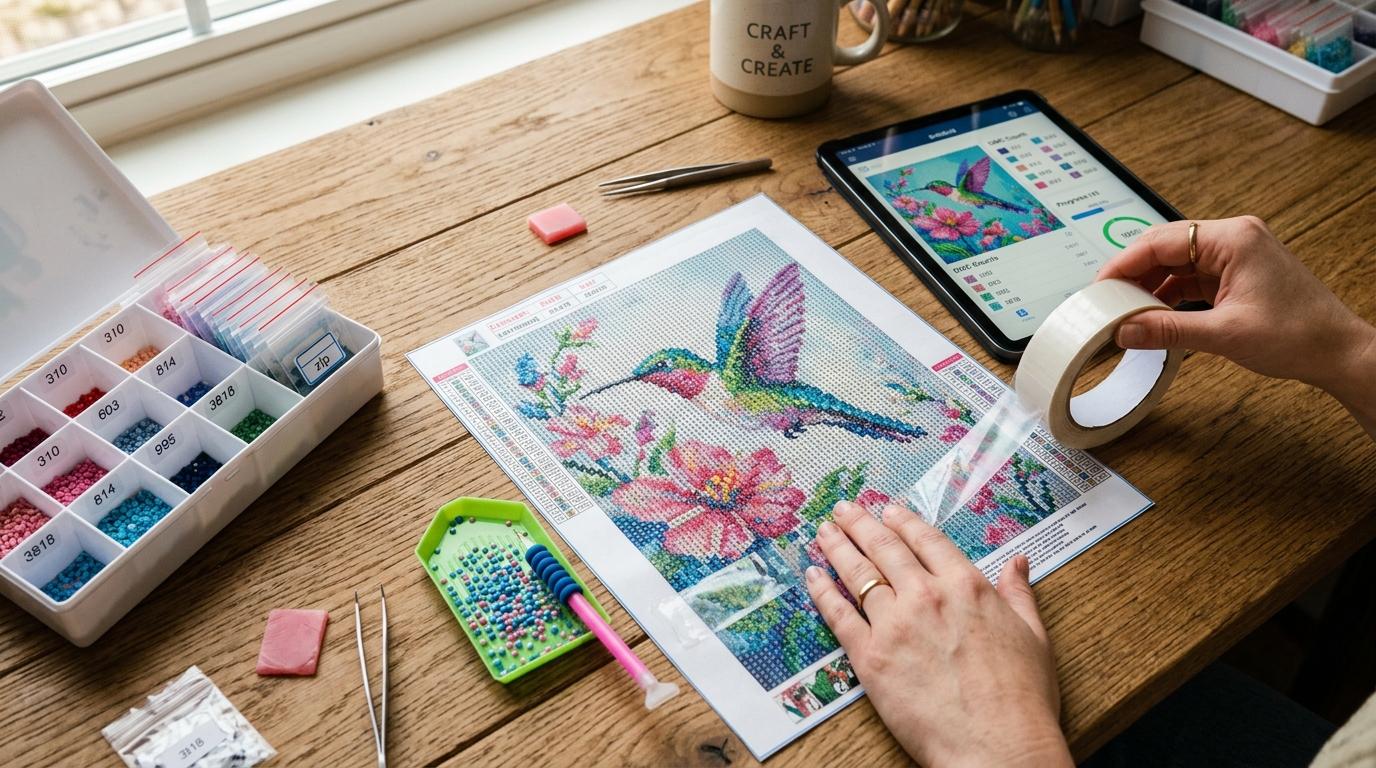
How to Create Your Own DIY Diamond Painting Kits (Easy Step-by-Step)
Learn how to make DIY diamond painting kits at home: step-by-step guide to printing charts, applying adhesive sheets, and placing drills.
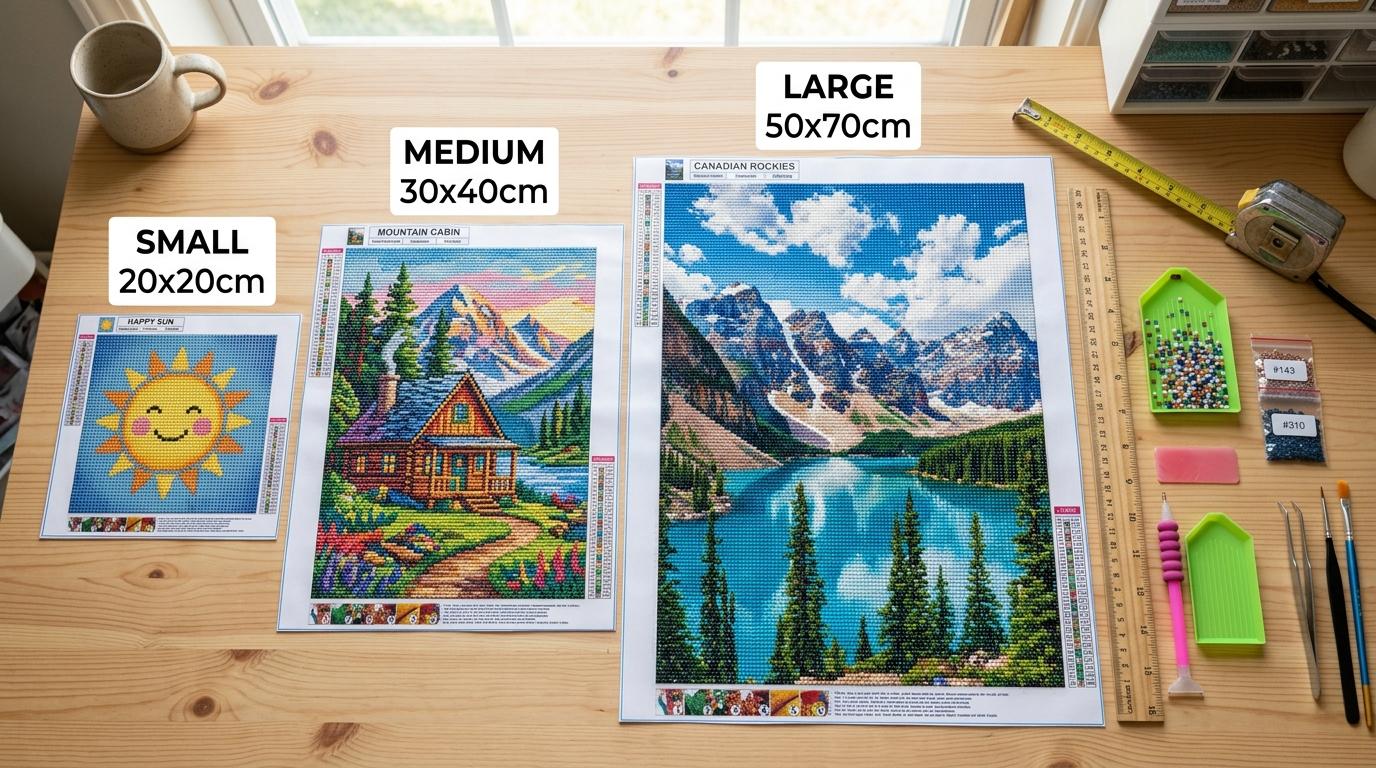
Diamond Painting Sizes: Complete Canvas Size Chart & Guide
The complete guide to diamond painting sizes. Compare standard canvas dimensions in cm and inches, drill counts, frame sizes, and detail scores.
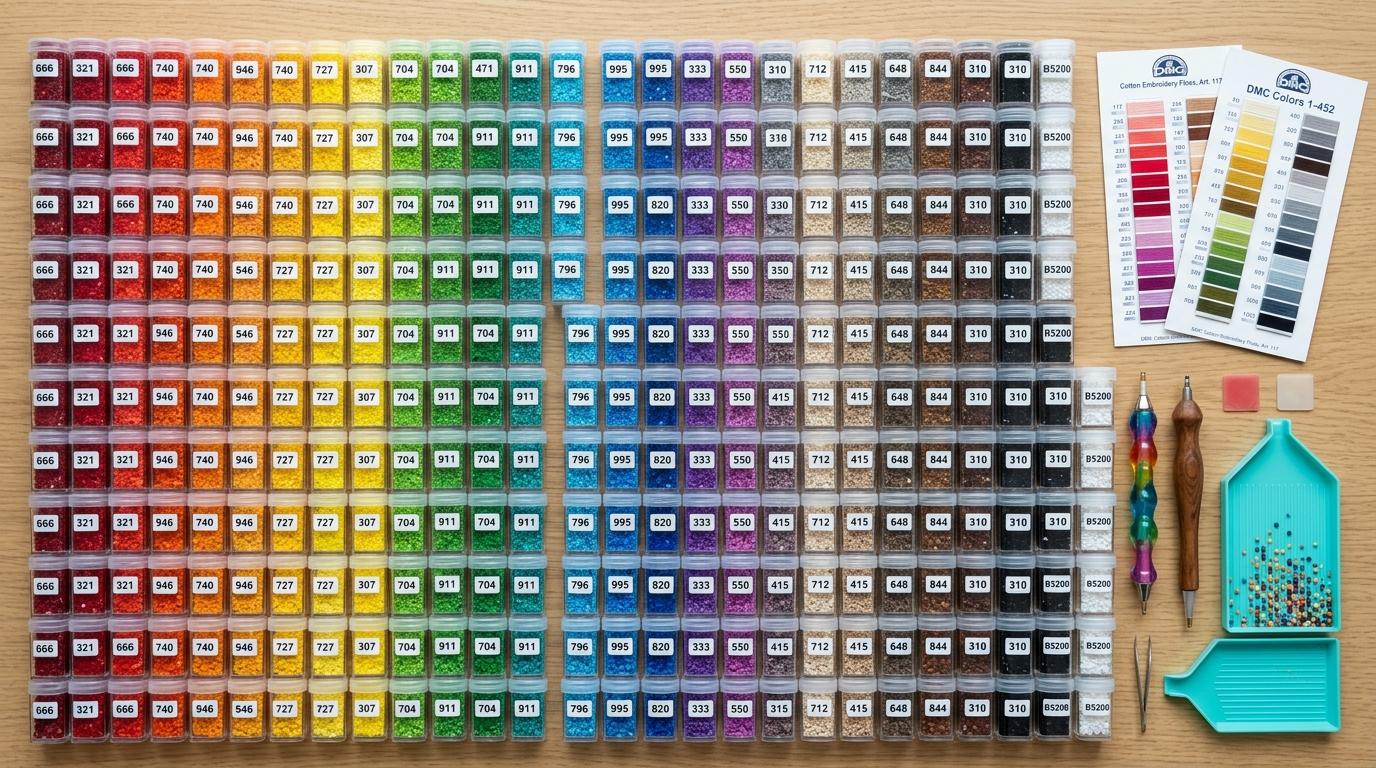
DMC Drill Color Chart: Diamond Art Drill Color Lookup & Swatches
Search 480+ official shades with our interactive DMC drill color chart, complete with hex codes, RGB values, color families, and CSV download.