How to Turn Any Photo into a Custom Diamond Painting Chart (Step-by-Step)
From picking the right photo to choosing your canvas size, colors, and downloading your printable chart: step by step.
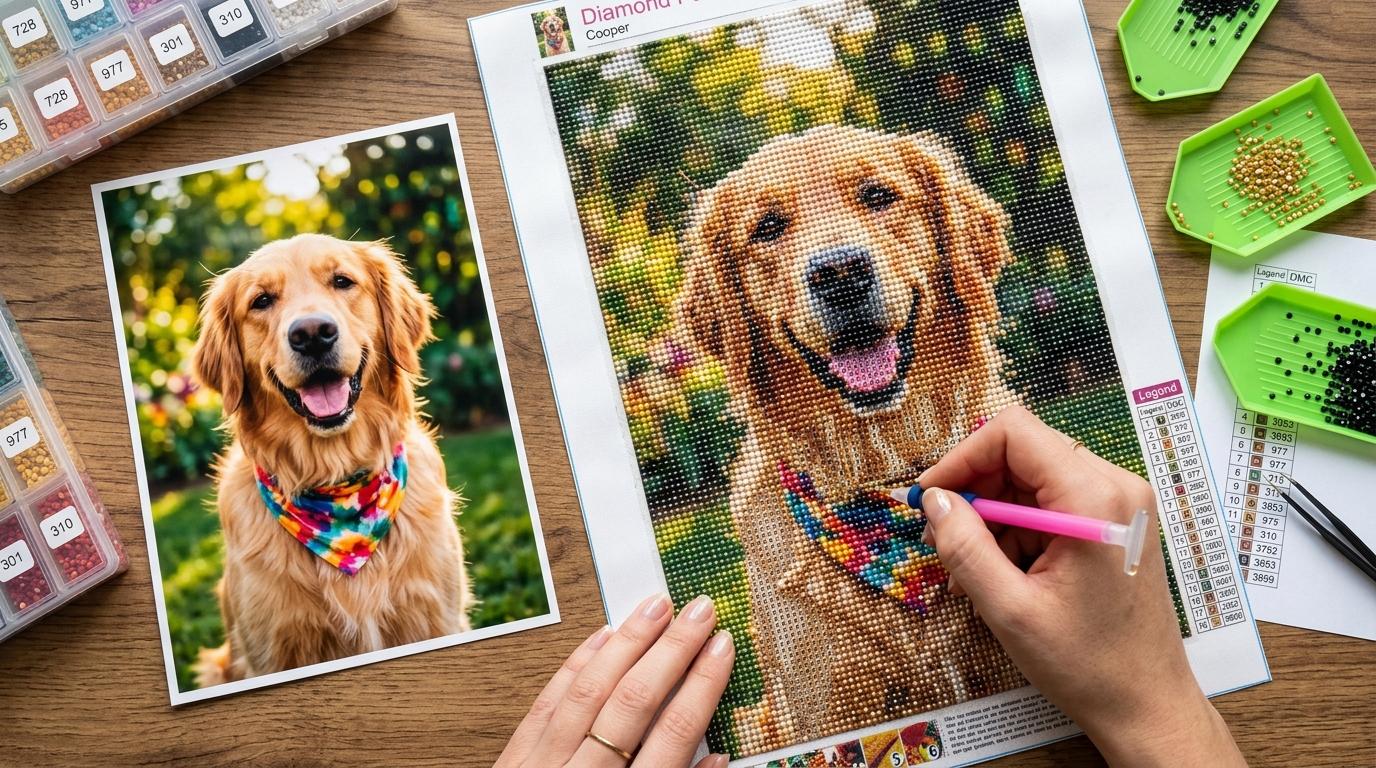
At a Glance
Key findings and core takeaways from our testing and hands-on crafting experience.
To turn any photo into a custom diamond painting chart, upload a high-contrast image to a diamond art generator like DrillGrid, select your canvas dimensions and drill shape (square or round), match your palette to official DMC color codes, and export a 1:1 scale printable PDF or vector EPS chart.
Using a dedicated custom diamond painting generator lets you transform personal portraits, pets, and memories into sparkling gem art with complete control over color and detail. However, getting recognizable faces and rich color depth requires understanding canvas resolution, cropping, and color calibration.
Why Most Custom Kits Look Muddy or Blurry#
If you've ever ordered a cheap custom diamond painting kit online, you know the disappointment: what looked like a beautiful photo on your computer arrives as a blurry, muddy mess where eyes and smiles are unrecognizable.
This happens because most cheap converters use undersized canvases and poor color matching. Think of diamond painting like physical pixel art. The bigger your canvas, the more drills you have to work with, and the sharper your image looks.
- A 30×40 cm square drill canvas gives you 19,200 drills to work with.
- If your photo has 4 people and a busy background, each face might only get a handful of those drills!
By generating your own chart with DrillGrid's Free Photo to Pattern Generator, you control the canvas size, color count, and detail level before placing a single drill.
Step 1: Selecting & Prepping the Right Photo#
The secret to a stunning diamond painting happens before color mapping:
1. Tight Subject Cropping
Zoom in on the focal subject (your pet's head, baby's face, or the couple). Extra background clutter eats up valuable drills that should be rendering eyes, whiskers, and smiles.
2. High Contrast Lighting
Photos with directional lighting and distinct highlights/shadows translate far better into drills than flat, washed-out flash photography.
3. Clear Color Boundaries
Avoid heavily blurry backgrounds where colors bleed unpredictably into the subject.
Turn your own photo into a diamond painting chart
Upload any photo, match 480+ official DMC colors, compare round & square drills, and preview high-res detail in your browser.
Step 2: Choosing Your Canvas Sizing & Drill Shape#
When setting up your project, choose your physical drill shape and dimensions. You can also review our in-depth Diamond Painting Canvas Size Guide for exact formulas:
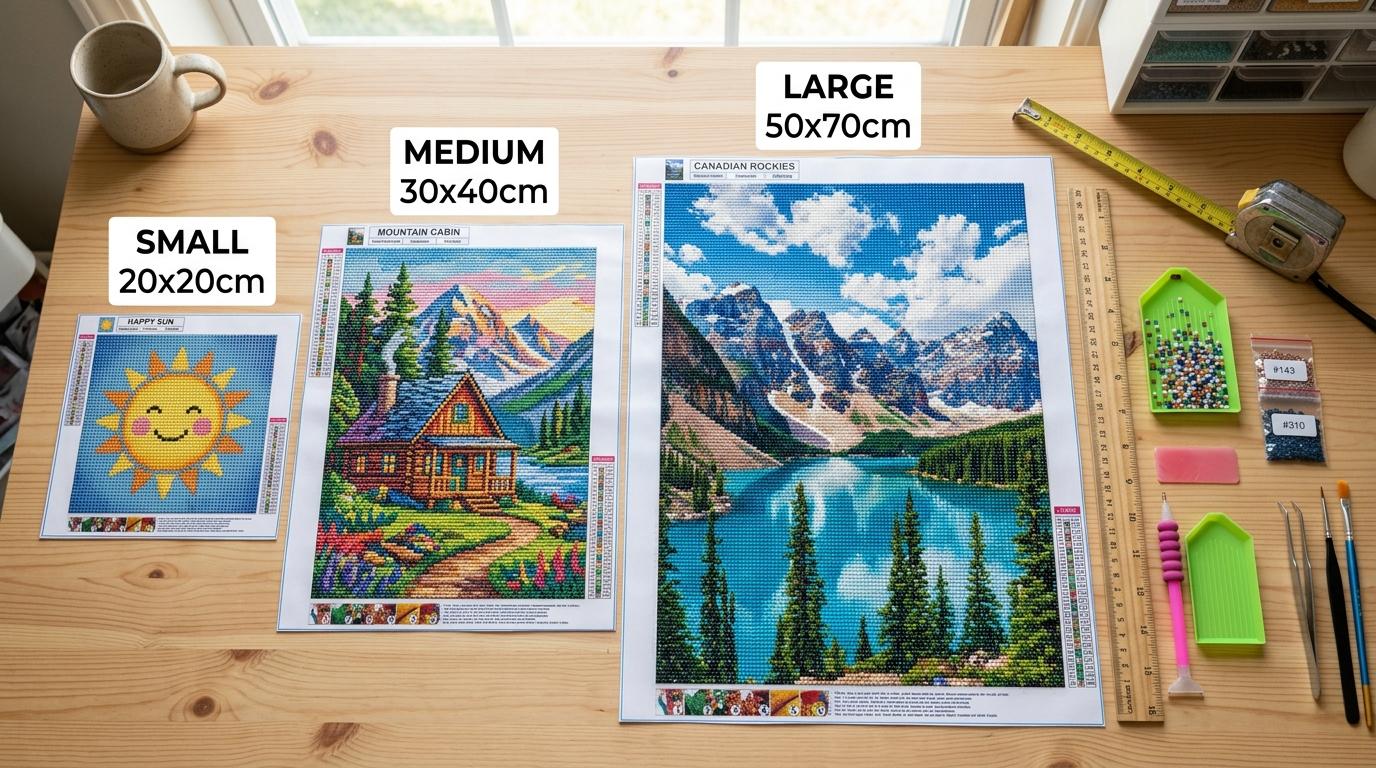
| Canvas Size | Total Drills (Square) | Recommended Subject Detail |
|---|---|---|
| 20×20 cm | 6,400 drills | Simple logos, icons, cartoon characters |
| 30×40 cm | 19,200 drills | Single pet head, solo portrait, bold pop art |
| 40×50 cm | 32,000 drills | Two-person portrait, pet full-body, floral arrangements |
| 50×70 cm+ | 56,000+ drills | Family groups, detailed landscapes, maximum realism |
Square Drills (2.5 mm) vs Round Drills (2.8 mm)
- Square Drills (2.5 mm): Yield 16 drills per cm². They fit edge-to-edge with no canvas gaps, producing higher detail per centimeter. Learn more in our Square vs. Round Drills Guide.
- Round Drills (2.8 mm): Yield ~12.7 drills per cm². They are faster to place and more forgiving, but require slightly larger dimensions for equivalent sharpness.
Step 3: DMC Color Matching#
DrillGrid matches your photo's colors to 480+ official DMC drill shades using smart color matching that mirrors how the human eye actually sees color, keeping skin tones natural and shadows looking true to life. For a full list of shades, check out our DMC Diamond Painting Color Chart.
Choosing Your Detail Level:
- Fast (15–25 Colors): Bold color blocking with minimal sorting. Great for a quick weekend project.
- Balanced (30–45 Colors - Recommended): The sweet spot: realistic results without too many different colors to manage.
- Max Detail (50–65+ Colors): For highly detailed, photo-realistic results.
Step 4: Customizing Alphanumeric Symbols#
Nothing ruins a crafting session faster than two similar shades having almost identical symbols (like 8 vs B, or O vs 0).
In DrillGrid's interactive editor:
- Tap any color in your Color Legend.
- Tap the assigned symbol to open the High-Contrast Symbol Library.
- Choose clear alphanumeric glyphs or distinct geometric shapes.
- Use the Drill Inspector to highlight all occurrences across the canvas to verify contrast.
Step 5: Exporting & Printing Your Chart#
Once your pattern looks perfect:
- Export as a Multi-Page Printable PDF, Ultra HD PNG, or Vector EPS (for professional or commercial printing).
- In your printer settings, always choose "Actual Size" (100% Scale) (never "Fit to Page") so your drill grid prints at the exact right size.
- Print on standard A4 or US Letter paper.
- Place your printed chart under a light pad, lay your blank adhesive canvas on top, and start placing drills by following the illuminated symbols!
Ready to turn your photo into a diamond painting?
Upload any photo and get a printable pattern with exact colors and drill counts, free to try.
Free preview in your browser · No account or download needed
Frequently Asked Questions
Can I use photos taken from my smartphone?+
Yes! High-resolution smartphone photos work wonderfully. Simply crop closely around the main subject before converting.
What if I have leftover drills from old kits?+
DrillGrid exports a complete DMC color key and drill count summary. You can match the DMC numbers directly against your leftover stash.
Is it better to print the chart or use a tablet screen?+
Both work! Many crafters display the PDF on an iPad with zoom, while others print the 1:1 scale pages to place under a lightbox.
Continue Reading
More diamond painting guides, DMC color tools, and sizing formulas.
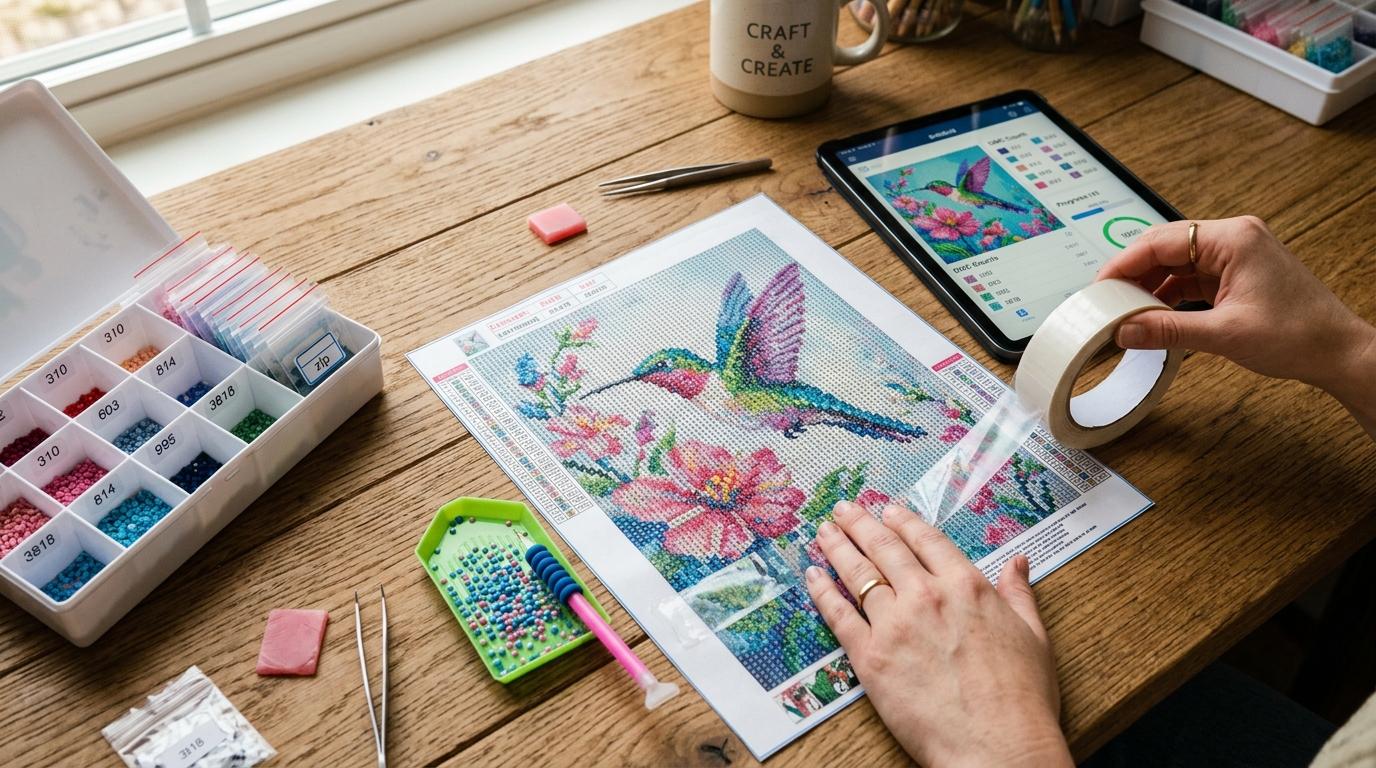
How to Create Your Own DIY Diamond Painting Kits (Easy Step-by-Step)
Learn how to make DIY diamond painting kits at home: step-by-step guide to printing charts, applying adhesive sheets, and placing drills.
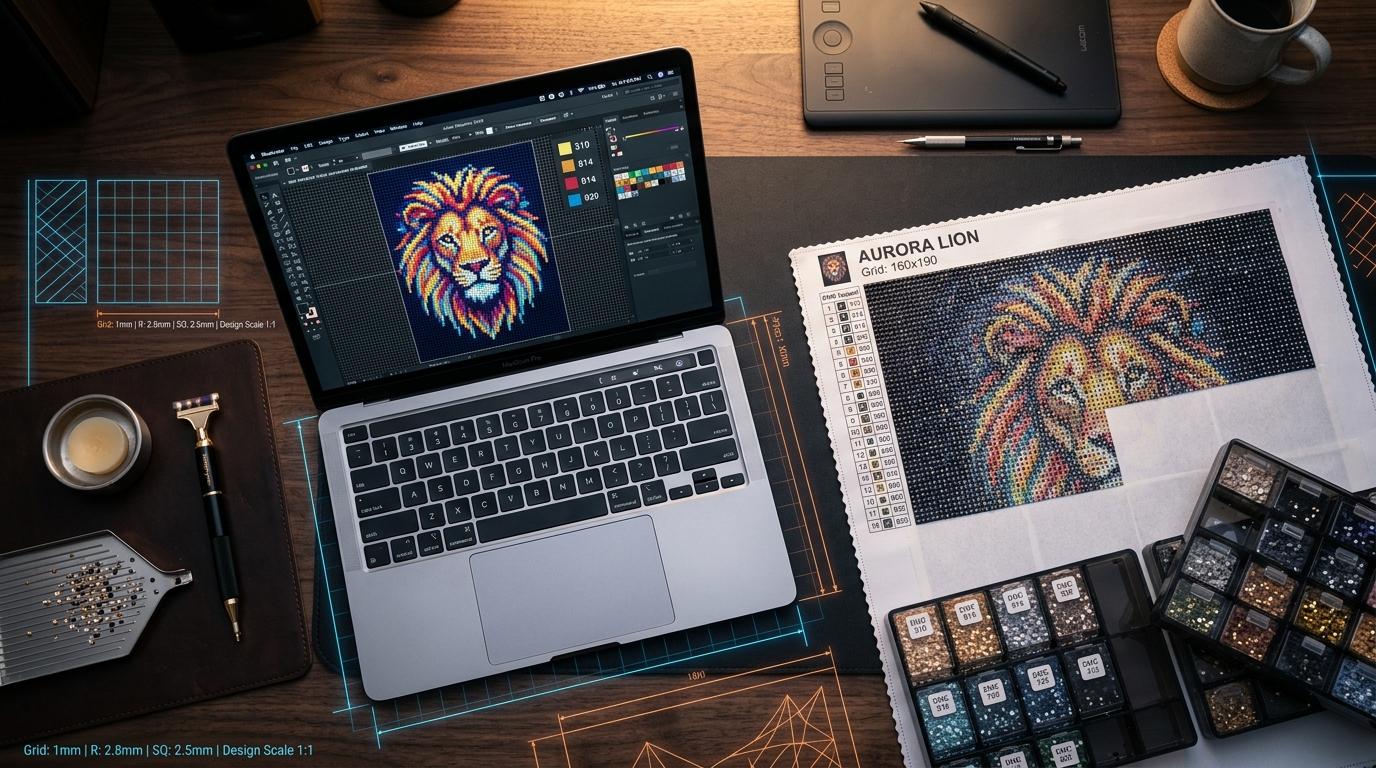
How to Print Custom Diamond Painting Canvases with Vector EPS: The Complete High-Resolution Guide
Learn how to print custom diamond painting canvases with Vector EPS files for razor-sharp 2.5mm and 2.8mm drill grids at home or a print shop.
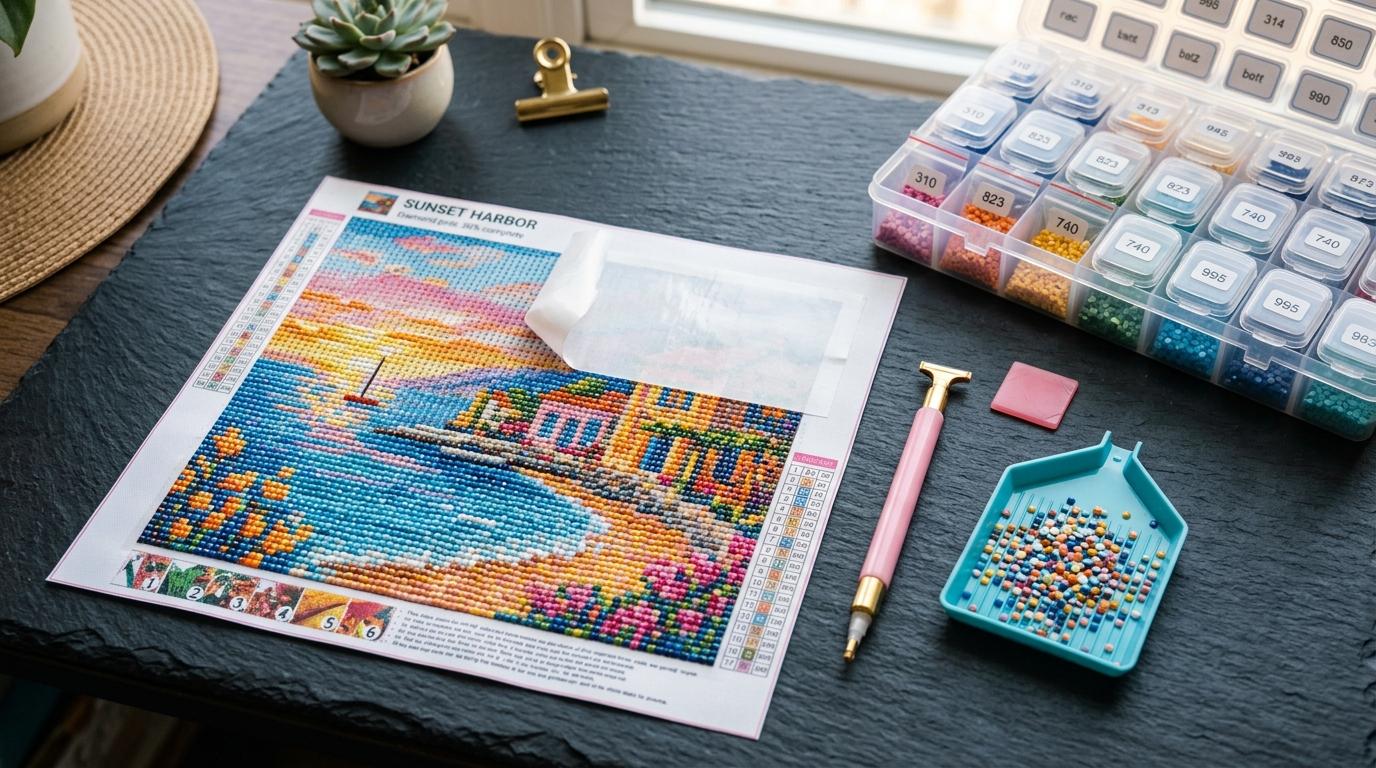
Diamond Painting for Beginners: The Complete Starter Guide (2026)
New to diamond painting? Our complete beginner's guide covers canvas sizes, square vs round drills, DMC colors, light pads, and custom photo patterns.
Diamond Painting Sizes: Complete Canvas Size Chart & Guide
The complete guide to diamond painting sizes. Compare standard canvas dimensions in cm and inches, drill counts, frame sizes, and detail scores.